// Chrome Extension · Reading Accessibility
Turn any article into a clean, comfortable reading view — with the fonts, colors, and controls that work for your eyes. OpenDyslexic, Atkinson Hyperlegible and 25 more reading fonts, dark mode, read-aloud, and a built-in dictionary. One click, on any page.
// Features
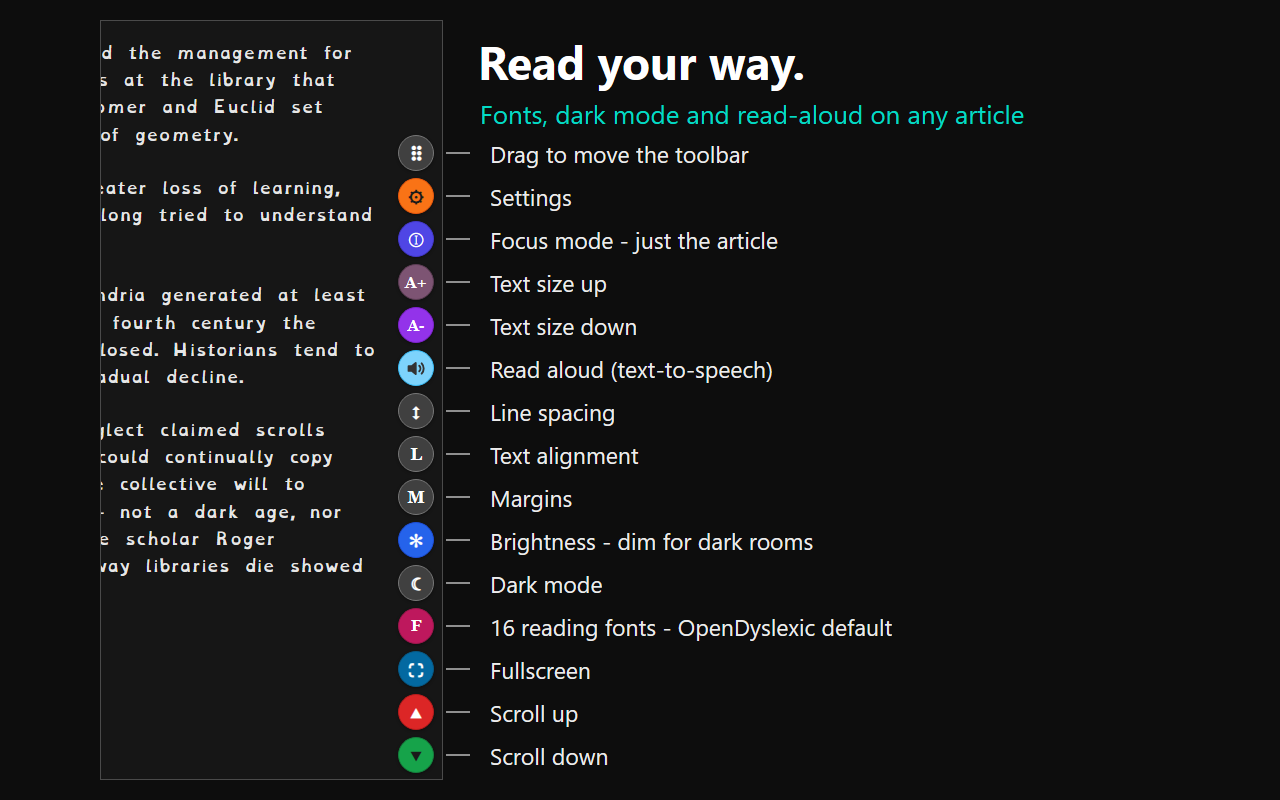
Strips away ads, sidebars, pop-ups, and clutter, leaving just the article in a clean single-column view. Works on any article page — news, blogs, journals, documentation.
Two typefaces drawn for accessibility are built in: OpenDyslexic — for dyslexic readers — is the default, joined by Atkinson Hyperlegible from the Braille Institute. Alongside them, 25 popular fonts including Arial, Verdana, Georgia, and Comic Sans. Adjustable size, spacing, alignment, and margins.
Built-in text-to-speech reads the article to you, with one-tap pause and resume. Listen on the commute, while cooking, or whenever your eyes need a break.
One-tap dark mode plus a separate brightness control that dims the page for reading in dark rooms — without touching your monitor settings.
Select any word to see a concise dictionary definition right on the page — no new tabs, no losing your place in the article.
Send the article on as plain text — it goes anywhere: text messages, chat apps, email, or your notes. On a computer it copies straight to the clipboard, ready to paste.
The floating button bar sits on the right or left edge — great for left-handed use. Drag it to thumb height, fade it while you read, and show only the buttons you actually use.
// Privacy
Accessibility Reader stores your settings locally in your browser. No accounts, no analytics, no tracking. The only data that ever leaves your device is the word you look up in the dictionary; saving an article with its pictures also fetches those pictures from the addresses the page had already loaded them from.